
Bulk RFQ
Enquiry cart
Built for procurement teams: add catalogue lines, adjust quantities, leave per-SKU notes, and submit a single structured message to our export desk.
- 1Review lines
- 2Buyer details
- 3Verify & send
Empty cart
Your cart is empty — here's how the bulk RFQ works.
The enquiry cart consolidates coir and areca SKUs into one structured RFQ so our export desk can quote container mix, packing, and documentation against a single brief. Start by opening a catalogue below.
Step 01
Browse a catalogue
Open coir or areca and use Add to enquiry cart on any SKU you want quoted.
Step 02
Set quantities & notes
Adjust line quantities and add per-SKU notes — packaging, finish, destination marks.
Step 03
Send one structured RFQ
Buyer details + Incoterms / port / timeline. We reply in one thread, usually within a business day.
Where to start
Open a catalogue and add your first SKU.
 Live
LiveEquestrian & leather
Halters, bridles, girths, lunging kit, browbands, and accessories.
Browse equestrian Live
LivePet products
Dog collars, leads, harnesses, muzzles, and matching sets.
Browse pet products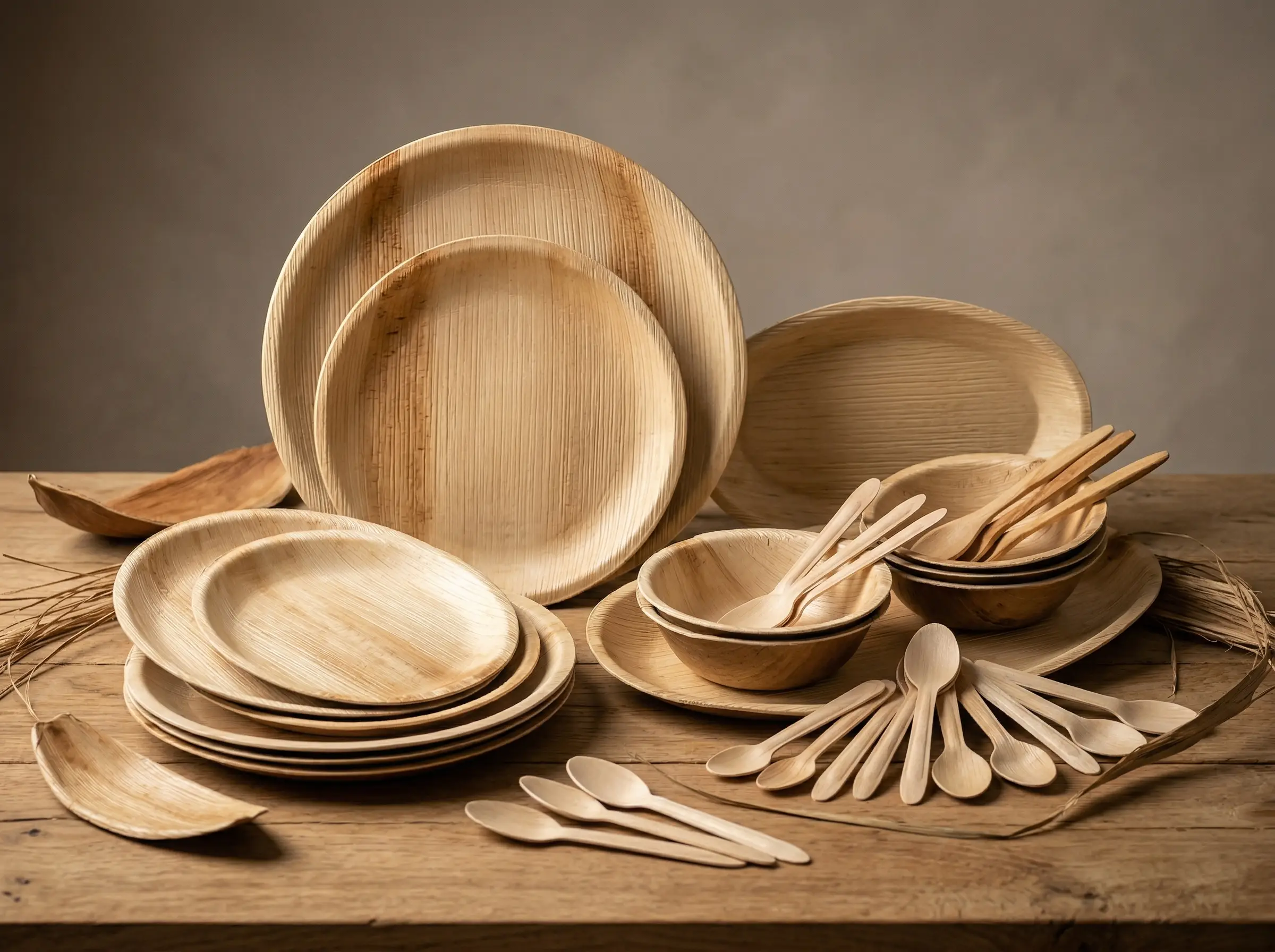 Live
LiveAreca palm tableware
Plates, bowls, platters, trays, and cutlery — compostable.
Browse areca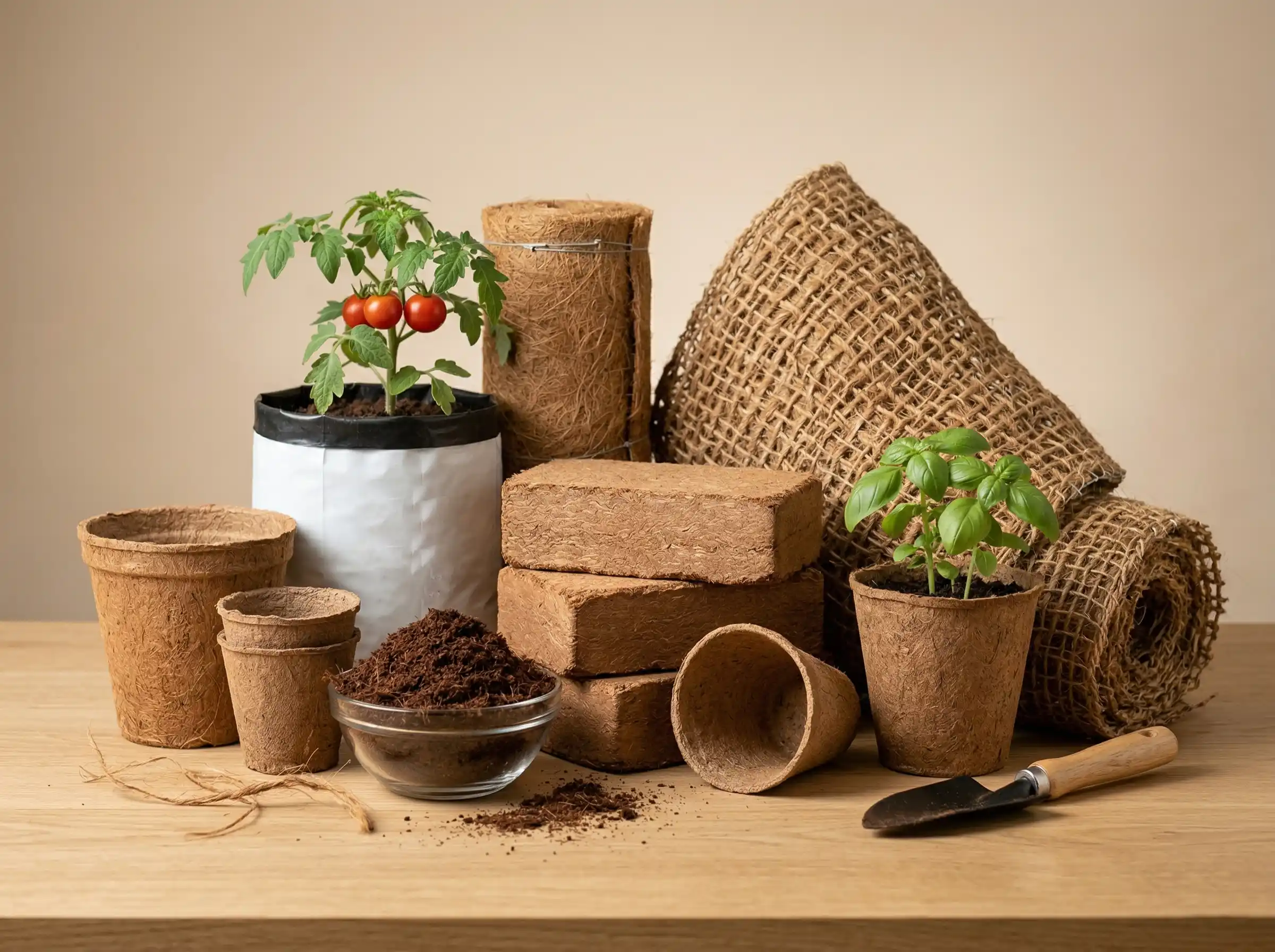 Live
LiveCoir & grow media
Pots, cocopeat, grow bags, fibre, rope, and geotextile.
Browse coir
Faster first reply
What to include when you submit
The more procurement context we have up front, the tighter the first pricing band and the fewer follow-up emails.
- Incoterms — FOB or EXW preference.
- Destination port or country.
- Annual or per-shipment target volumes.
- Documentation your customs broker expects.
- Browse all catalogues
Prefer to write directly?
Skip the cart and reach the export desk
Useful for custom briefs, private-label programmes, or quick spec checks where the cart isn't needed.
Frequently asked questions
Which products can I add to the enquiry cart?
Any coir, areca, or equestrian catalogue SKU with an “Add to enquiry cart” action. Mix categories freely in one cart and the export desk replies in a single thread.
What happens after I submit the cart?
The export desk receives a structured message with your lines, quantities, and notes, and replies with pricing bands, lead time, container mix, and documentation next steps — typically within one business day.
Can I change quantities or SKUs after submitting?
Yes. Reply to our email thread with revisions or submit a new cart; reference your company name so we merge threads instead of opening a duplicate.
Should I include Incoterms and destination in the cart?
Where possible, yes. Destination port or country and preferred Incoterms (FOB or EXW) reduce back-and-forth and speed up first pricing. Add them in the Shipment & trade context field.
Is the cart saved between sessions?
Yes — the cart is stored locally on this device until you submit or clear it. Switching browsers or devices starts a fresh cart, so finalise SKUs and quantities before submitting.
Is there a minimum cart size to submit?
No — one SKU is enough. Three or more lines help us plan container mix and packaging together, but trial enquiries with a single SKU are welcome.